A lot of restaurants, cafes and service businesses send their menu or price list as a PDF or a photo. It feels quick and easy. But for your customers, and for Google, it is one of the worst ways to share it.
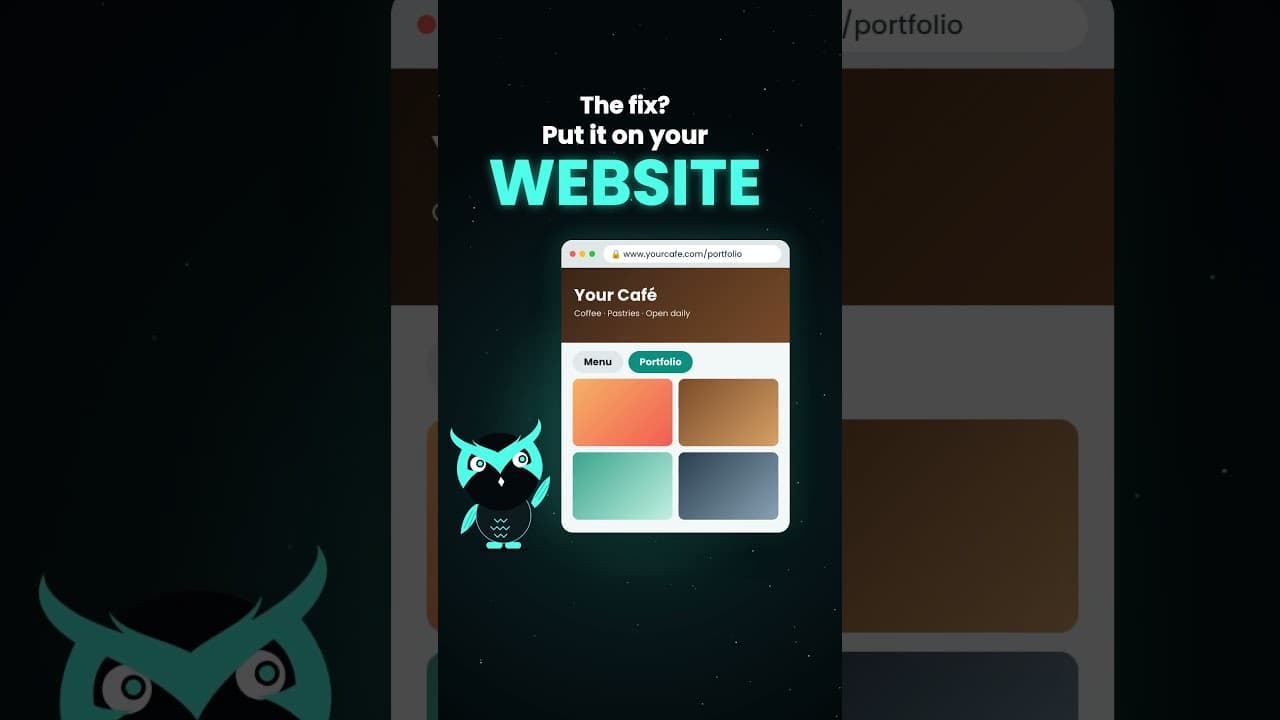
If you want more orders and more bookings, stop sending your menu as a PDF. Put it on your website instead. Here is why it makes such a big difference.
PDFs and images are slow to open
A PDF or a large image has to download before the customer can see anything. On mobile data, that can take a long time. Some phones open the file in another app, and some don't open it at all.
Every second of waiting is a chance for the customer to give up and look at another business. A menu page on your website loads fast and opens right in the browser.
They are hard to read on a phone
Most PDF menus are designed for paper. On a phone screen, customers have to pinch, zoom and scroll sideways just to read the prices. Photos of menus are often blurry or cut off.
A menu page on a mobile-friendly website fits the screen. The text is easy to read, the sections are easy to find and customers can tap to call or message you right away.
Google can't read your PDF menu well
This is the biggest problem. Google finds businesses by reading the text on their web pages. When your menu is a photo, Google sees only an image. When it is a PDF sent through chat, Google never sees it at all.
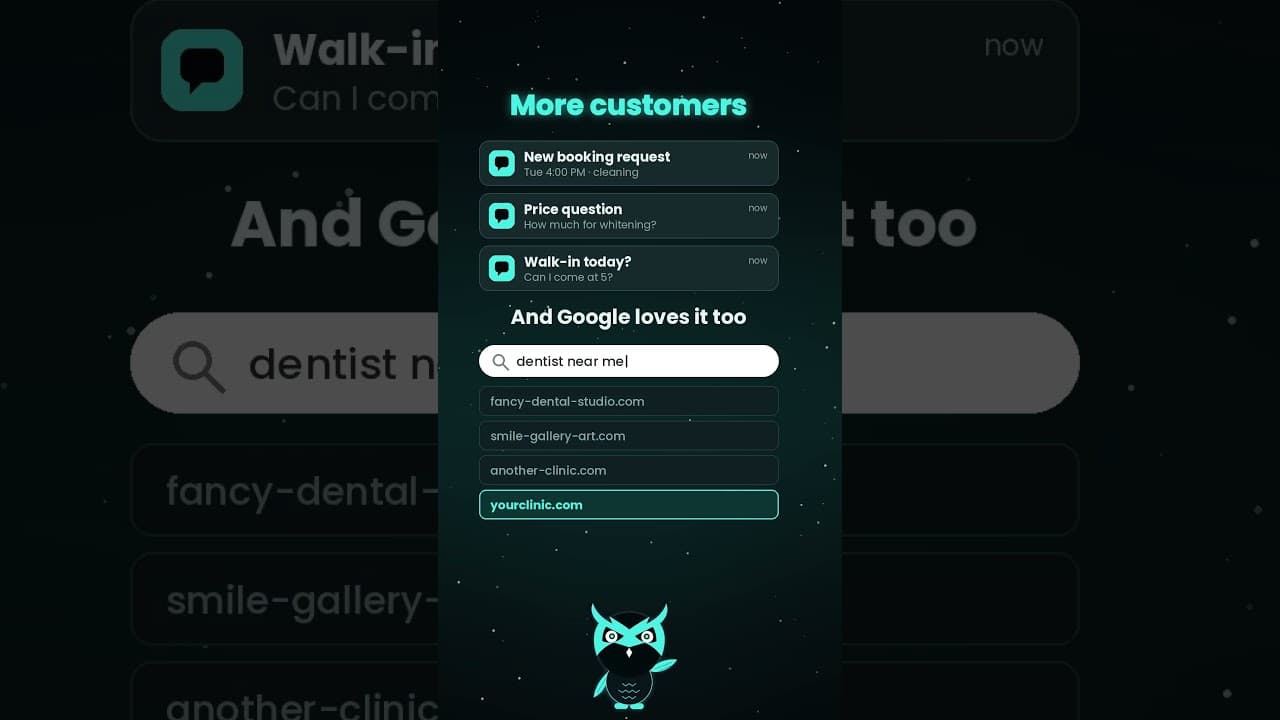
When your menu is a real page on your website, every dish, service and price becomes words that Google can read. Someone searching for "sisig near me" or "haircut and color price" has a better chance of finding you. Learn more in Why SEO Is Important for Your Business.
Every visit builds trust with Google
When customers visit your menu page, they send a signal to Google that your website is useful. Over time, those visits help your website look more active and trusted.
If you send a PDF instead, those visits never happen on your website. You lose the chance to grow your presence on Google with every customer who asks for your menu.
Update your prices in seconds
Prices change. Dishes sell out. New services get added. With a PDF, you have to redesign the file and send it again to everyone. Old versions keep going around in group chats for months.
With a menu page, you change the price once and every customer sees the new version right away. There is only one menu, and it is always up to date.
Not just for restaurants
The same rule applies to any business that shares a list of products, services or work samples:
- Salons and spas with service menus and prices.
- Resorts and hotels with room rates and packages.
- Designers, photographers and builders with portfolios.
- Shops with product catalogs and price lists.
Our websites come with mobile-friendly pages for your menu, rates or portfolio, plus a floating chat box so customers can ask questions right away. See our plans or send us your current menu and we will show you how it can look.
Frequently asked questions
Why is a PDF menu bad for SEO?
Google reads the text on web pages to understand a business. A PDF sent through chat or a photo of a menu gives Google little or no text to read, so it can't help you rank.
What is the best way to share a restaurant menu online?
Put it on a page of your website. It loads fast, fits any phone screen, shows up on Google and can be updated in seconds.
Can I still offer a downloadable menu?
Yes, as an extra. Keep the main menu as a web page, and add a download link for customers who want to print it.
How often should I update my online menu?
Update it whenever prices or items change. A web page makes this quick, so customers always see the current menu.
Can customers order from a website menu?
Yes. A menu page can link to Messenger, a contact form or an online ordering system, so customers can order right after they browse.